Features
From a script to a finished video.
Storivo reads your script line by line and puts the right picture under each one: film, photographs, maps, charts or a drawing. Then it narrates it, captions it, and opens it in an editor where you can change any part.
Your script, or ours
Start from a script, or just a topic.
Paste a script of any length up to an hour of narration: it is kept word for word. Or write a topic in a sentence, and Storivo researches it and writes the script for you, with its sources. Six languages: English, Spanish, French, German, Italian and Portuguese.
- Your words are never rewritten
- A script from a topic, with sources
- Or upload your own recorded voice
The look
A look chosen for the story.
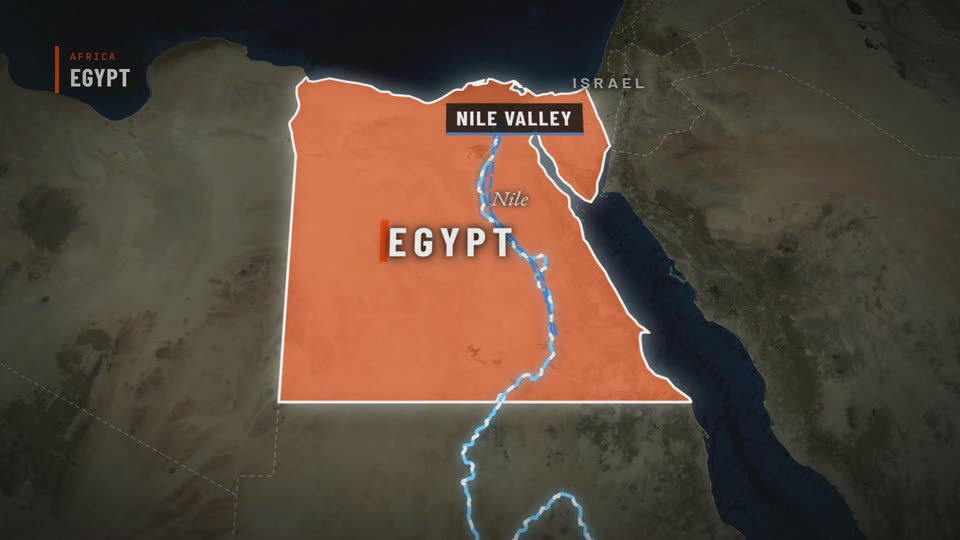
Auto reads the script and picks how the video should look: a satellite map for a place, an evidence board for a crime, prints on a table for history, a desk with notes for an explainer, number panels for business. Or choose it yourself, with its colours, typefaces and sound.
- Six looks, each with its own maps and charts
- Colour or black and white, per part of the story
- Your choice overrides Auto
Maps
Maps that follow the narrator.
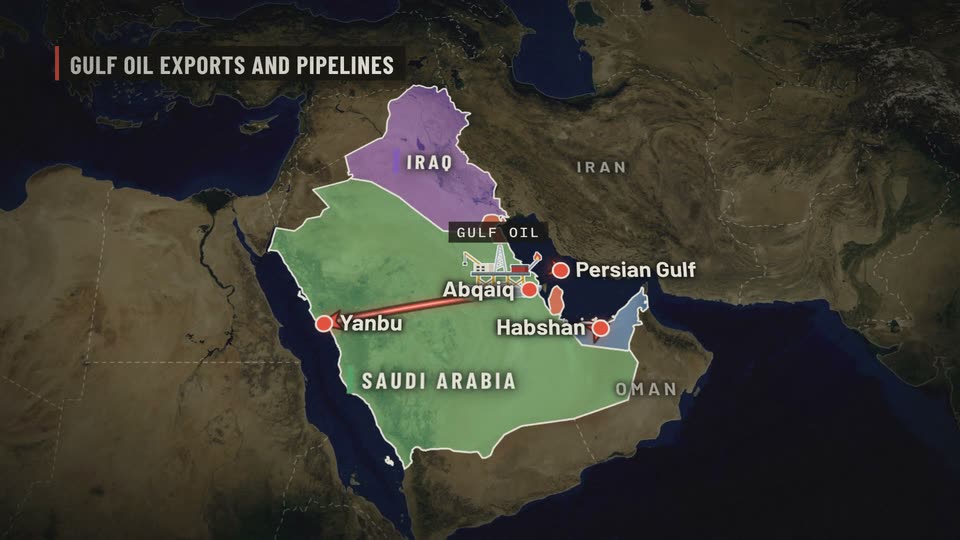
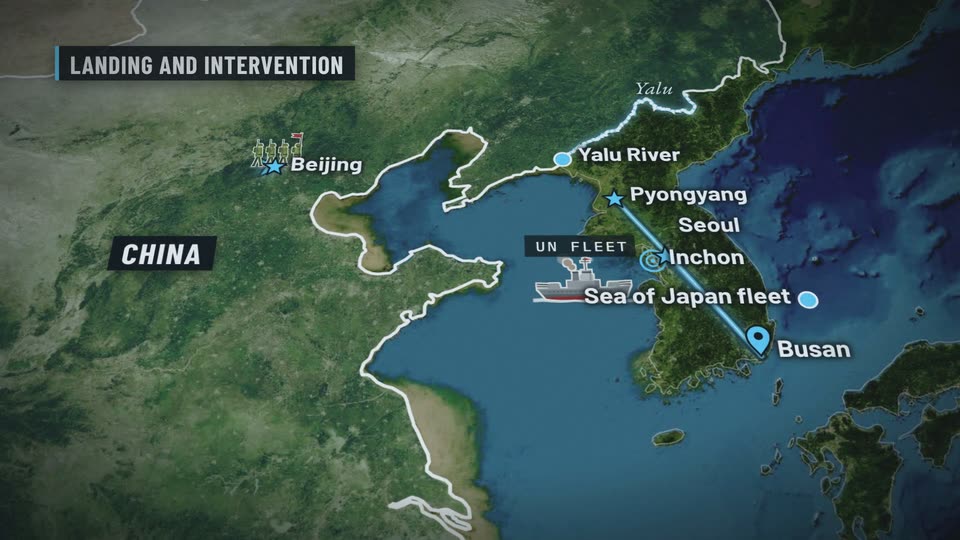
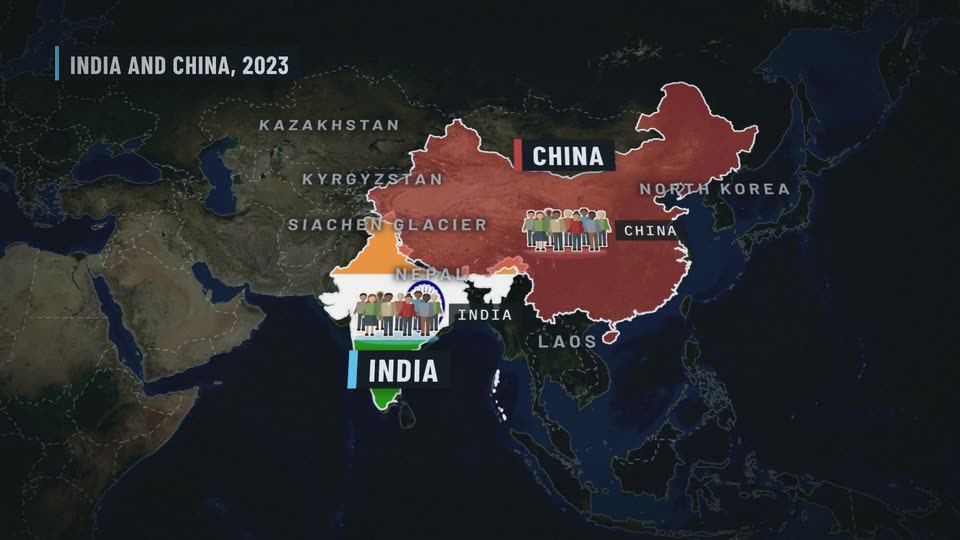
When the script names a place, it appears. Countries light up, borders and front lines are drawn, routes travel from town to town, and the camera moves with the story. Ancient maps for history, and the Earth as it was millions of years ago.
- Routes, borders, sides and front lines
- Real satellite imagery
- Edit any map: places, labels, colours
Charts
Charts from the numbers you give.
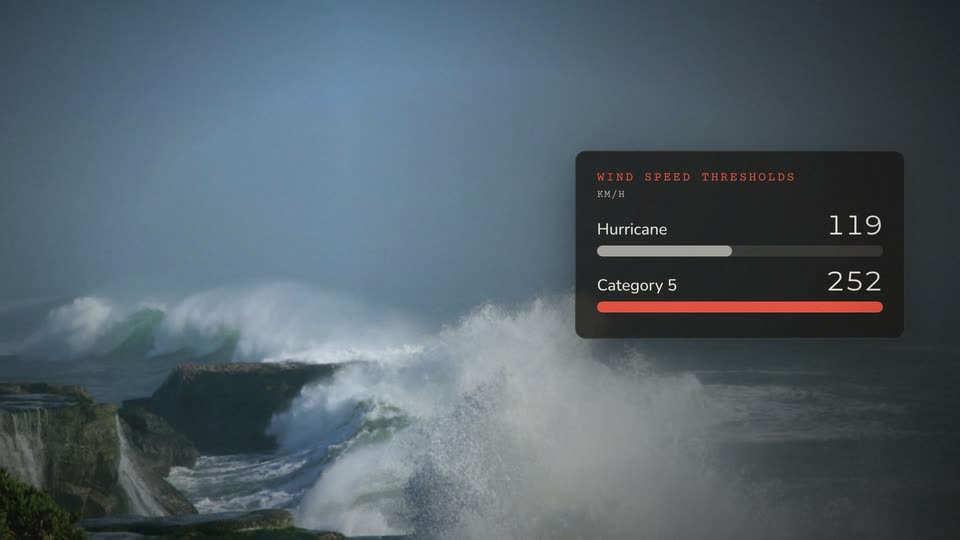
Figures in the script become counters, bars, lines and pies, timed to the moment they are spoken. Only the numbers your script states are drawn: nothing is invented to fill a chart.
- Counters, bars, lines, pies, dates and lists
- Timed to the words
- Remove or restyle any chart
Footage and photographs
Real footage, found for every line.
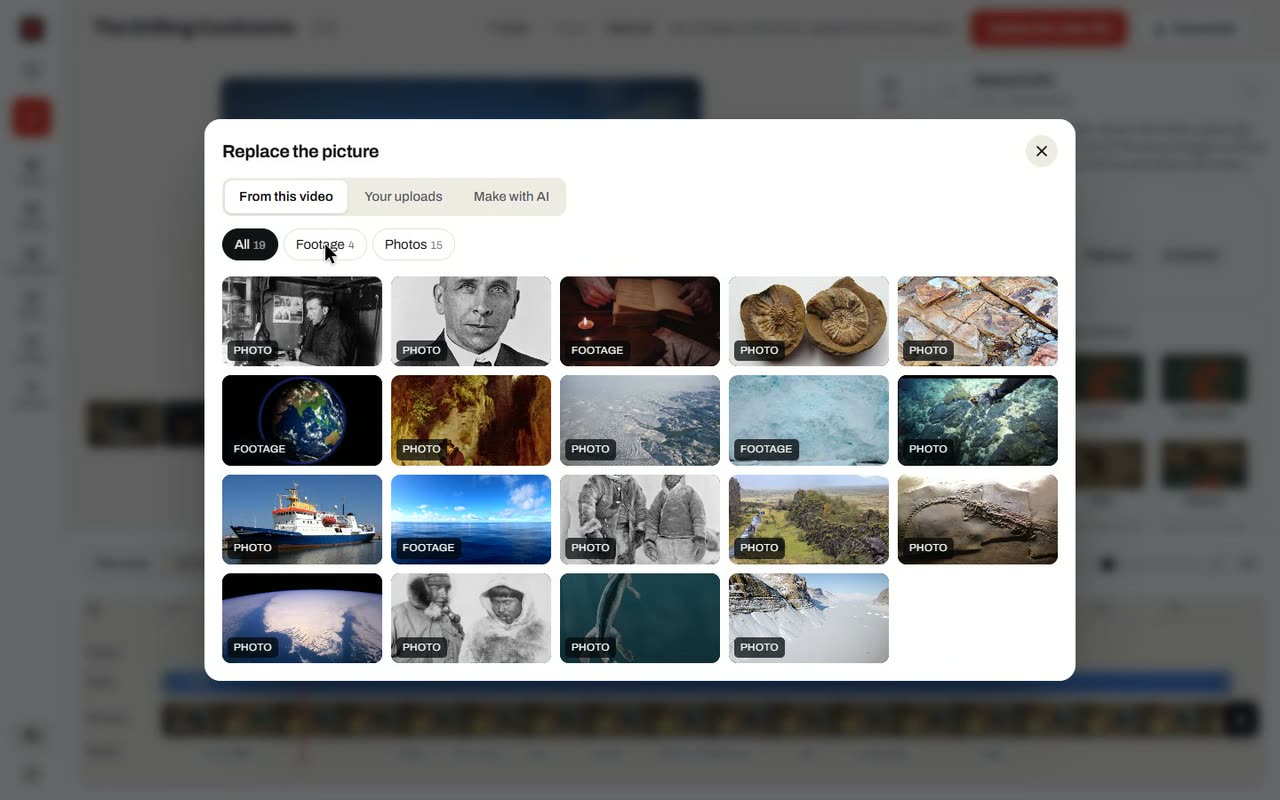
Storivo searches public archives and open libraries for film and photographs of what each line is about, checks every picture before it is used, and lists the credits at the end. Swap any shot for another one it gathered, or upload your own.
- Wikimedia Commons, Internet Archive, NASA and more
- Every shot checked and credited
- AI pictures, when you want one
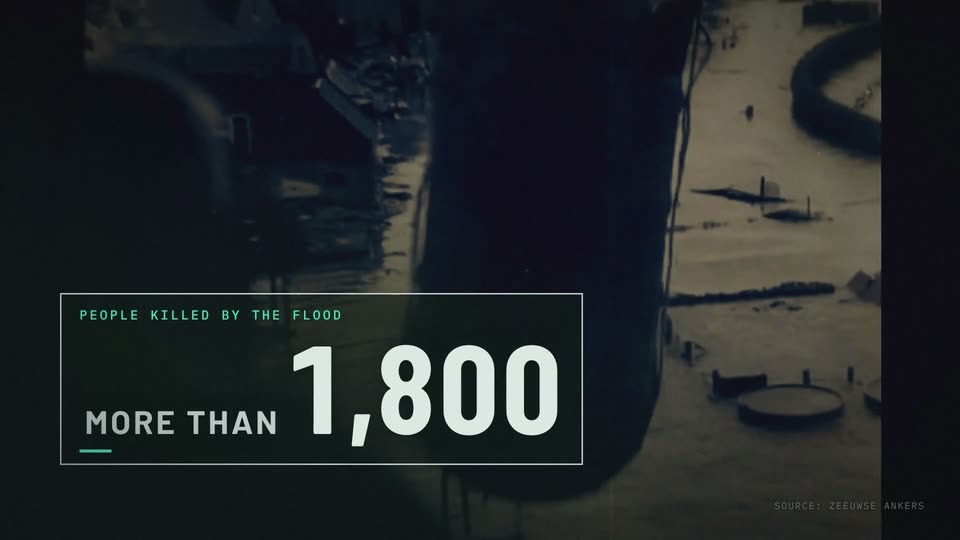
Drawn when no picture exists
Infographics for the ideas a camera cannot film.
Some lines have no photograph: a cycle, a process, an idea. For those, Storivo draws: icons, diagrams and labelled steps that explain what the narrator is saying.
- Moving icons and labelled diagrams
- Built up as the narrator speaks
- Matched to the video's colours
Narration and captions
Thousands of voices, captions to every word.
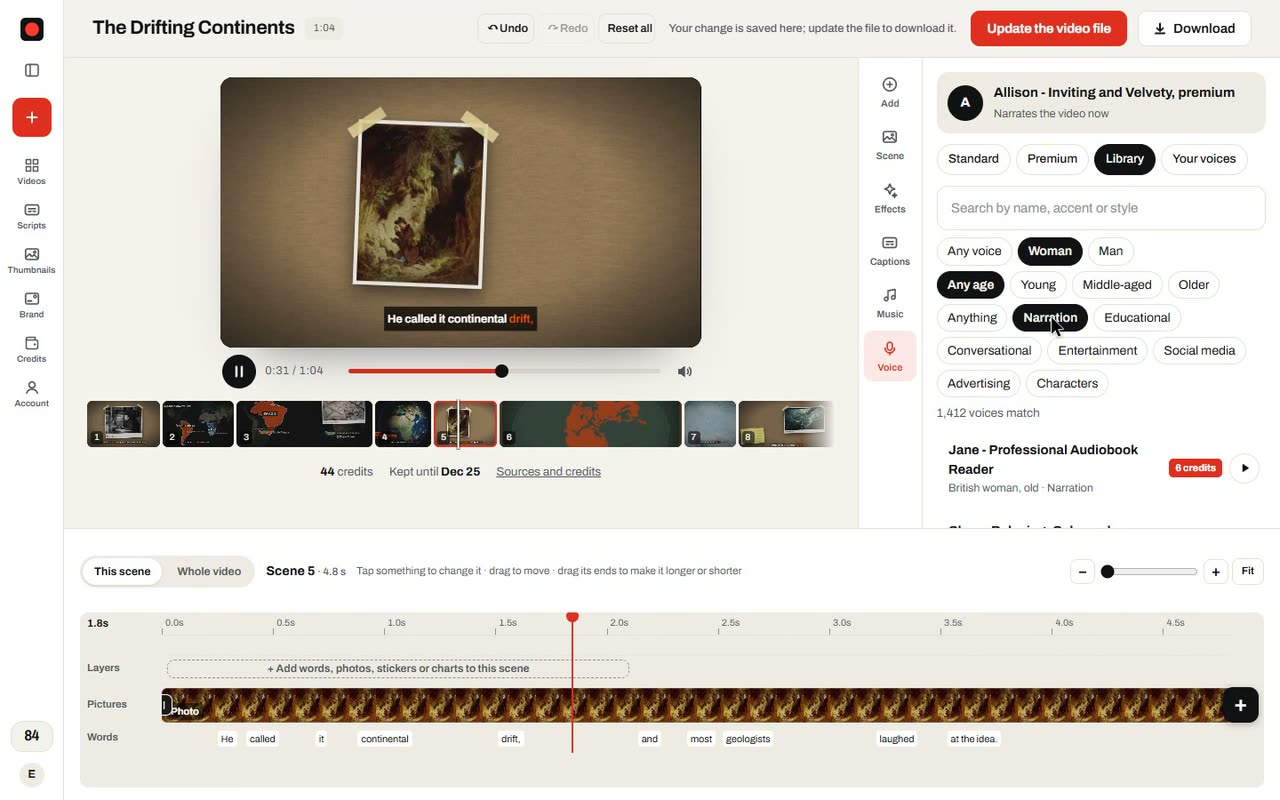
Choose a narrator from a library of thousands of voices, filtered by language, accent, age and style, and hear them first. Captions are timed to each spoken word, in a style you pick by seeing it.
- Standard voices included, premium ones by the minute
- Caption styles shown on your video
- Background music that fits, or your own
The editor
Change anything, and see it straight away.
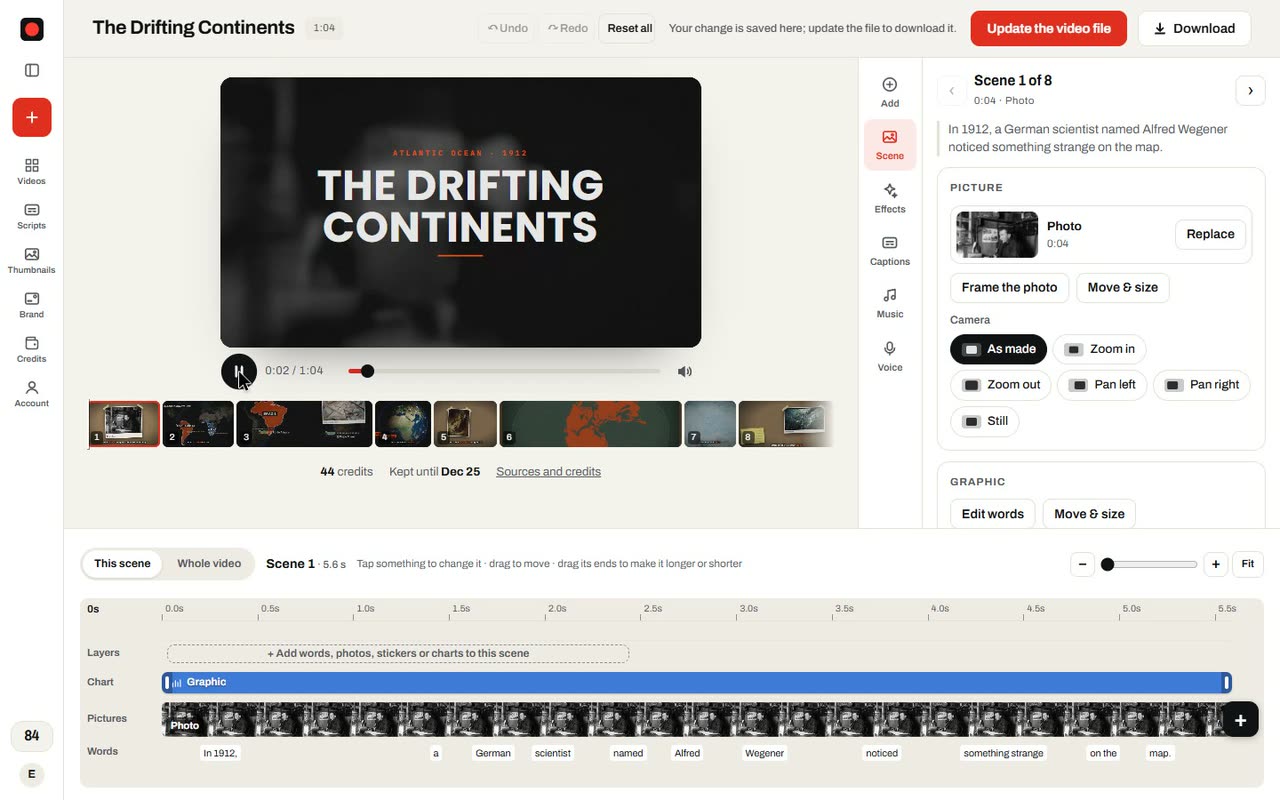
Every video opens in an editor that plays it live. Click a scene to replace its picture, move or restyle a chart, add words, photos or stickers, change the music, the voice or the transitions. Exporting again after a change is free.
- Replace any picture or clip
- A timeline for every scene and the whole video
- Undo, redo, reset
Your brand
Your channel's look on every video.
Save your logo, colours and typefaces once, as a brand for each of your channels, and every new video uses them: the title, the captions, the charts and a logo in the corner.
- One brand for each channel
- Logo, colours and fonts
- Applied to new videos automatically
Ready for YouTube
Made to be uploaded.
Download your video in 1080p, with captions on it or switched off. Make a thumbnail in the style of any channel, and write new scripts in a channel's voice from its own videos.
- 1080p downloads
- YouTube thumbnails in a channel's style
- Scripts in a channel's style
Your account
Clear prices, and your data in your hands.
See what a video costs before you make it, and pay for the length it comes out at. Change or cancel your plan in a click, see every payment and credit, download your data, or delete your account and everything in it.
- Credits that show the price up front
- Plans you can change or cancel any time
- Your data downloadable, and deletable
What is your next video about?
Plans from $29 a month · Cancel any time